
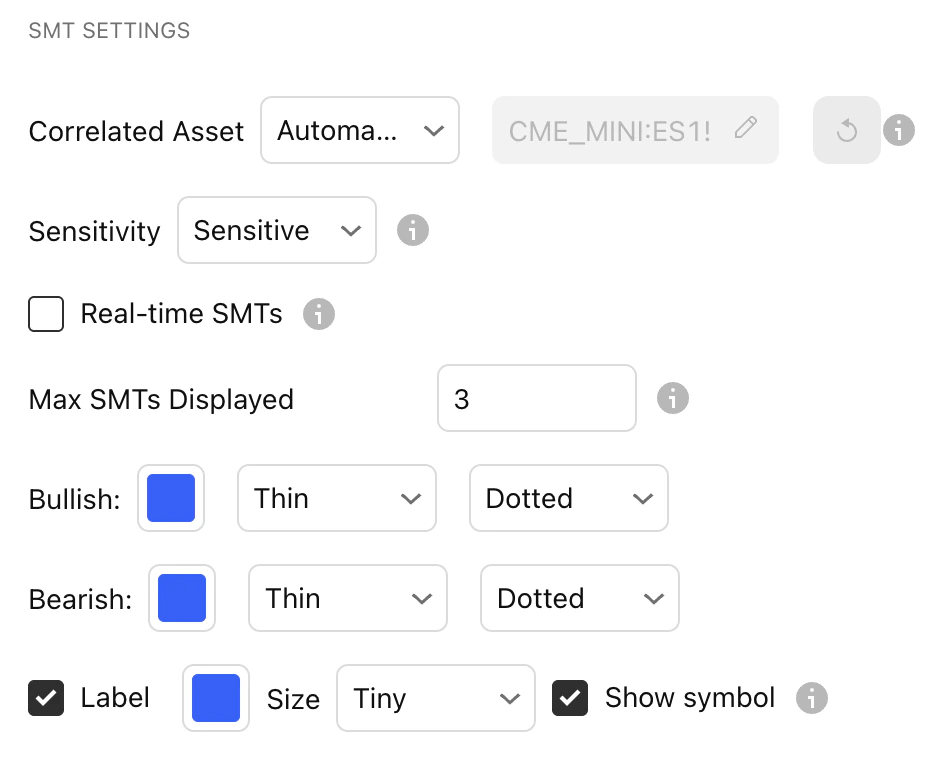
Correlated Asset
Automatic - the indicator automatically selects the correct asset to pair with SMTs. Manual - you can manually set the asset for the indicator to spot SMTs with Automatic is configured only for popular trading pairs, such as NQ/ES. If you’re using another trading pair that isn’t configured, change it to Manual and select the relevant asset.
Sensitivity
Choose how picky the indicator should be when choosing SMTs.
Real-time SMTs
If this is turned ON, it will plot the SMT in real time as the candle is forming.If this is turned OFF, it will plot the SMT only after the candle closes and confirms the SMT.
Max SMTs Displayed
Choose how many SMTs for the indicator to plot on the chart.