
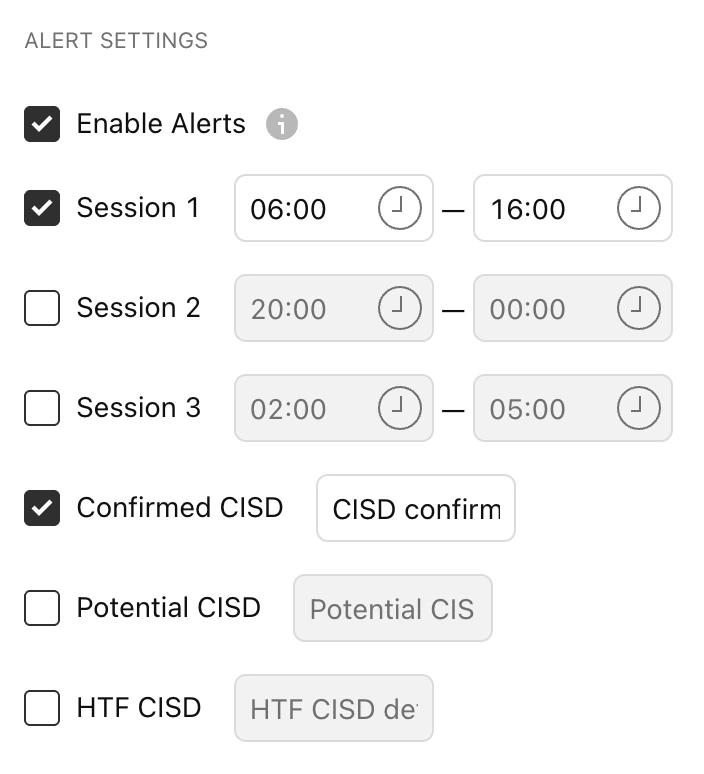
Enable Alerts
Keep this setting ON if you plan to use the Alerts feature with this indicator. Remember, keeping this ON does not mean you automatically receive alerts. You still need to set up the alerts separately (see below). Creating Alerts
Step 1:
Right-click anywhere on the chart, and click “Add Alert.”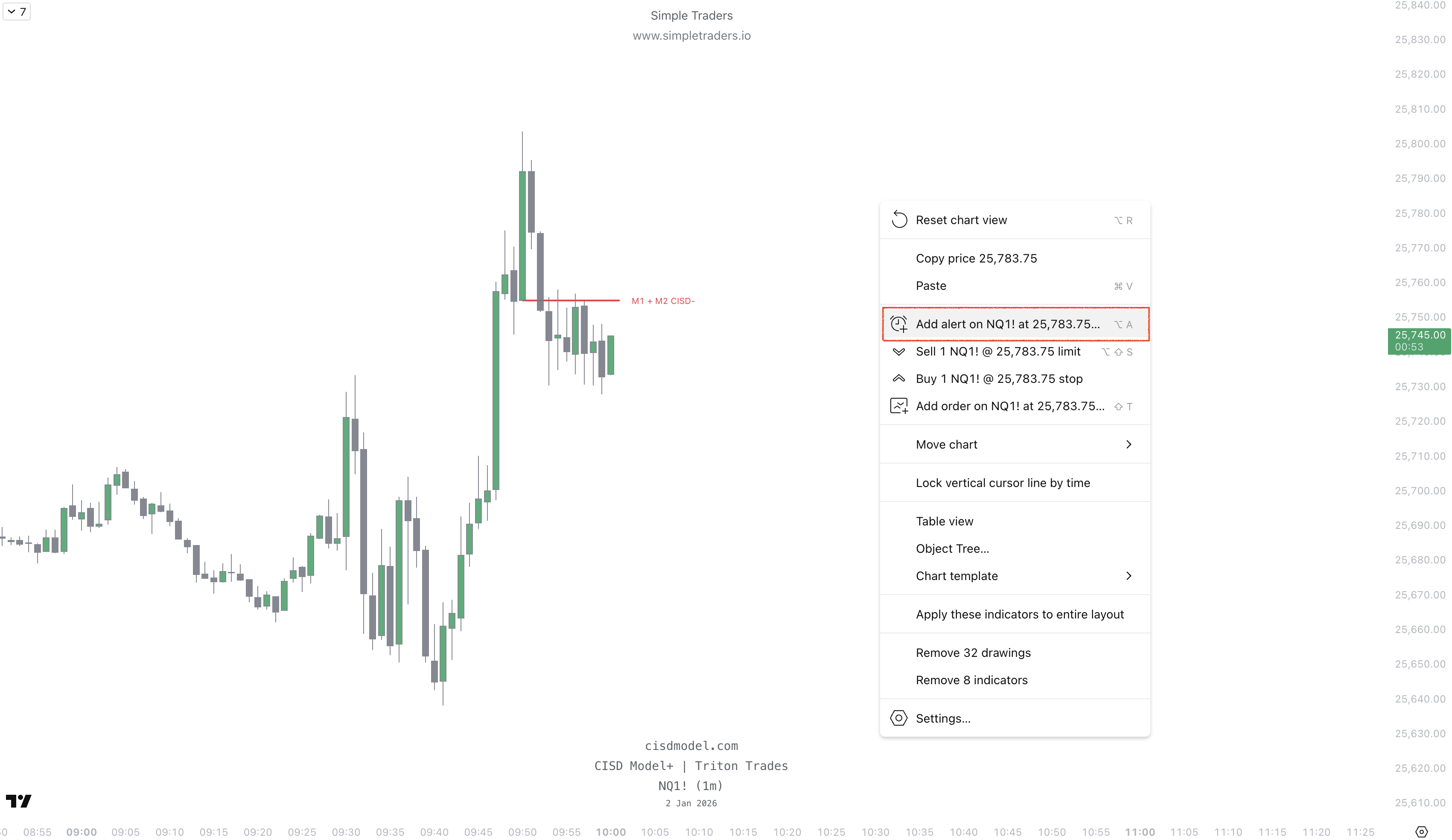
Step 2:
Under “Condition”, select CISD Model+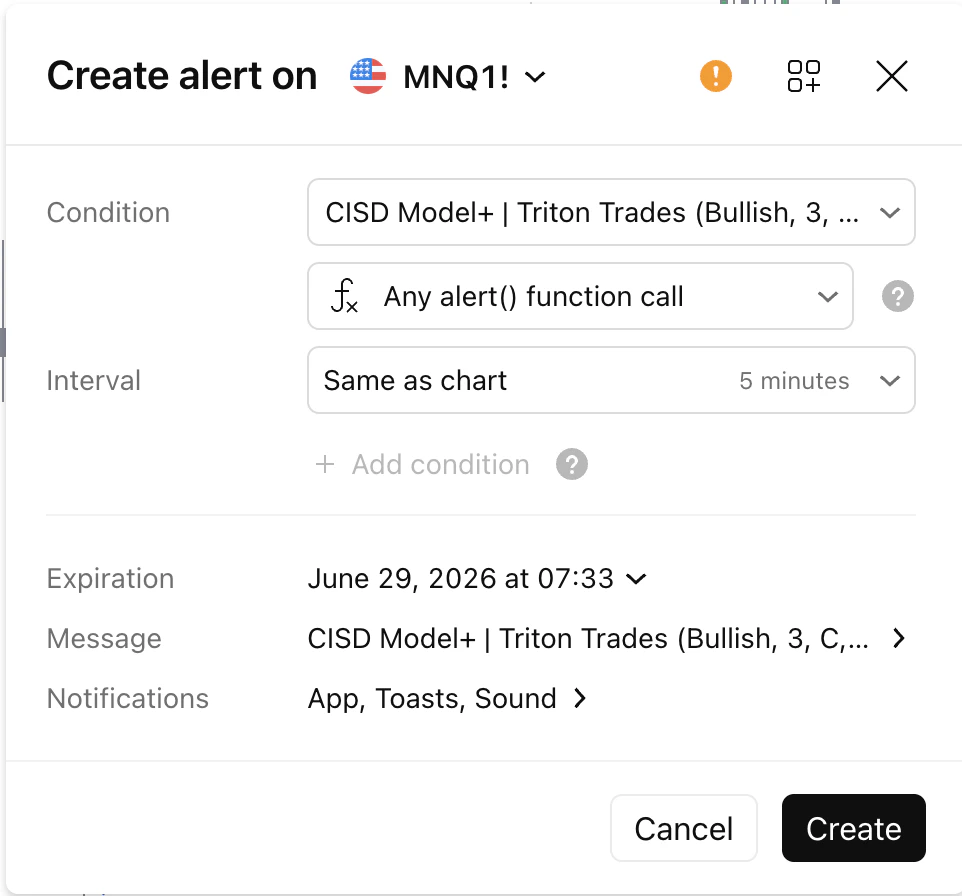
Step 3:
Select your parameters, such as Bullish or Bearish CISD formed.Then select the Interval (timeframe) the indicator uses for alerts.
For example, if you choose 1 minute, it will only alert you to CISDs on the 1-minute. Once done, click Create. Your alert is ready and functioning!